Building the Hilmybox Equation Editor: From LaTeX Code to High-Res Assets
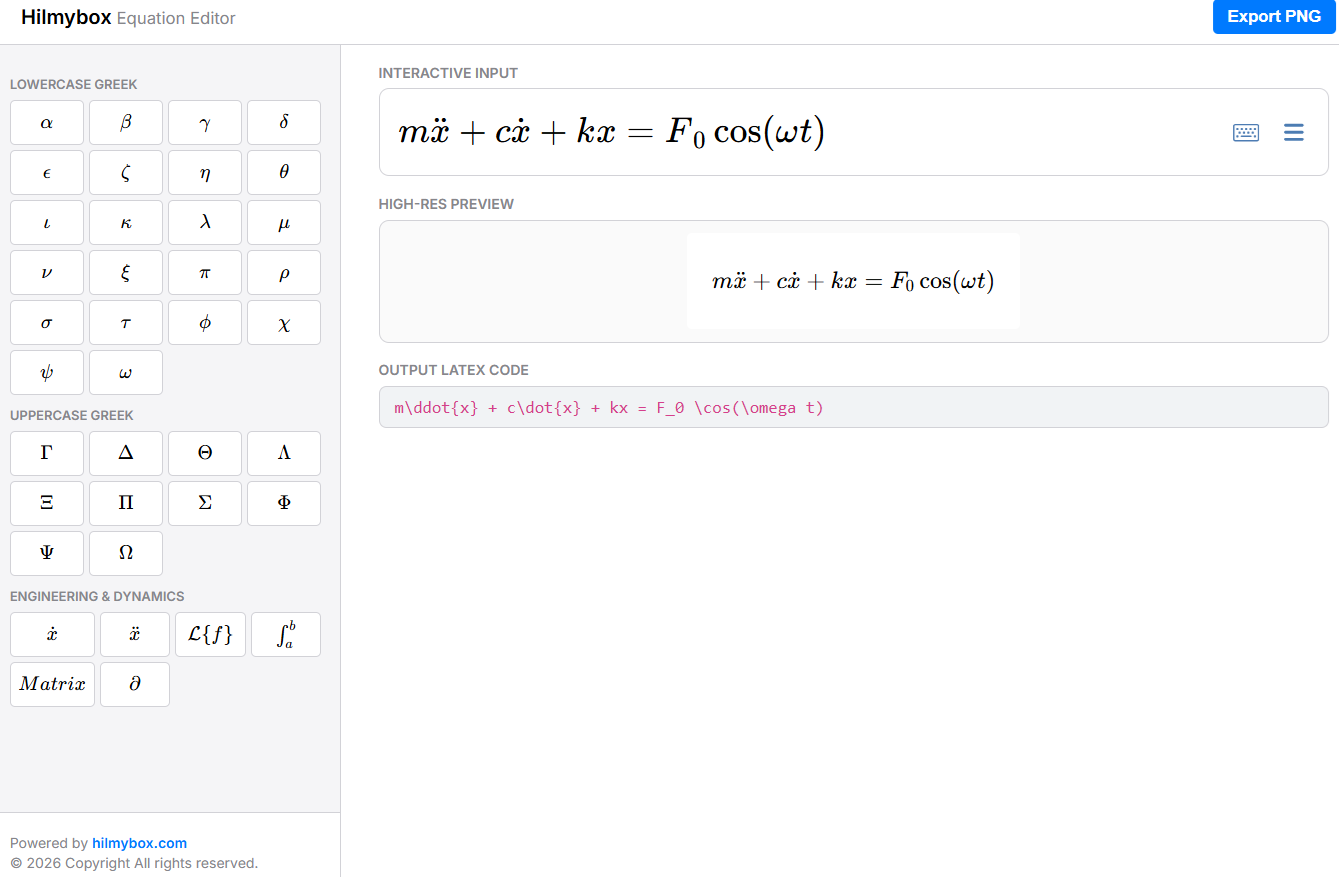
Hilmybox Equation Editor—a specialized, web-based tool designed for engineers and researchers. This project utilizes a modern development stack, including React, MathLive for interactive WYSIWYG input, and KaTeX for professional-grade rendering.
Key features of this custom implementation include:
- Engineering-Specific Toolbars: Instant access to the full Greek alphabet and common dynamics symbols like
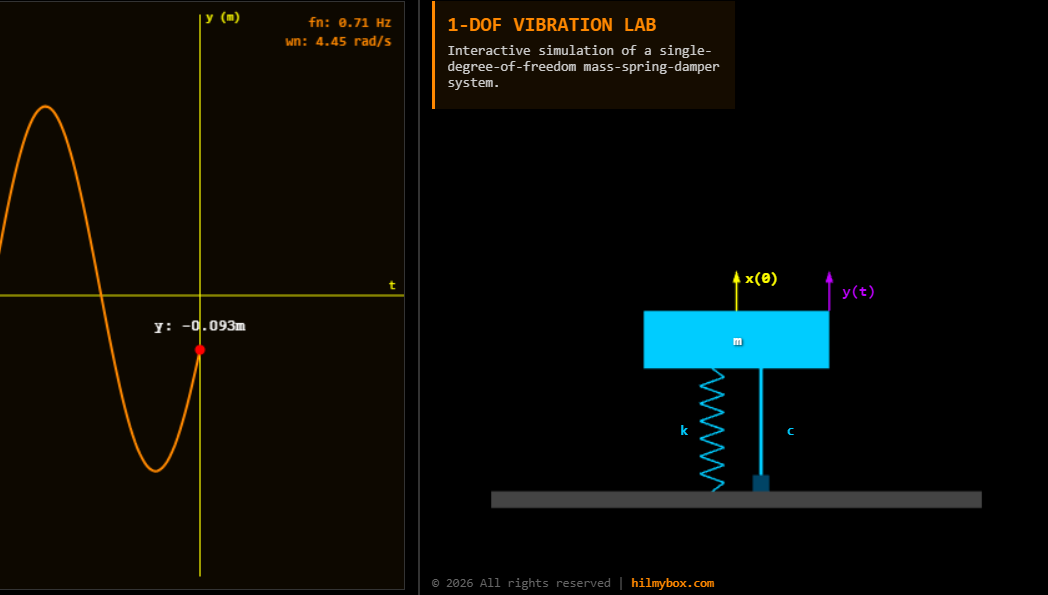
\[m\ddot{x} + c\dot{x} + kx = F_0 \cos(\omega t)\]
- High-Resolution Exports: A dedicated pipeline to convert live math into 300 DPI-equivalent PNG images for use in academic papers or simulations.
- Tablet-Optimized Workflow: A responsive, compact dashboard layout that allows for seamless equation drafting on mobile devices during active lab sessions.
In this post, I will walk through the architecture of this tool, hosted on a DigitalOcean droplet, and show how it integrates into the broader Hilmybox ecosystem to support engineering innovation.
Click here to access.
1. The Core Engine: MathLive Integration
The backbone of this editor is the MathLive library, which provides a sophisticated "What You See Is What You Get" (WYSIWYG) editing experience.
- Interactive
math-field: Instead of a standard text input, the core engine uses the<math-field>web component, which allows users to type mathematical notation as naturally as writing on a whiteboard. - Real-time LaTeX Serialization: As the user interacts with the UI, the engine instantly serializes the visual notation into a clean LaTeX string, which is then stored in the React
latexstate. - Command Execution: We utilize the
executeCommandAPI to programmatically insert complex engineering snippets (like\ddot{x}) from our sidebar buttons directly into the engine’s cursor position.
2. Rendering Technology: The Dual-View Pipeline
While MathLive handles the input, we implemented a secondary high-fidelity rendering pipeline for the "High-Res Preview" and "Export" features:
- KaTeX Rendering: We use the KaTeX library inside a
useEffecthook to transform the raw LaTeX string into a professional, typeset visual representation within the preview container. - HTML-to-Canvas Conversion: For the export feature, the html2canvas library "photographs" the rendered KaTeX DOM element.
- 300 DPI Quality: By setting the
scale: 3parameter in the code, we ensure the exported PNGs are high-resolution, making them suitable for academic papers or mechatronics presentations at HCT Fujairah.
3. Mathematical Tools: Specialized Engineering Symbol Sets
The tool features a custom-mapped object (engineeringTabs) that serves as the "brain" for our math sidebar.
- Full Greek Alphabet: The sidebar includes a comprehensive set of Lowercase and Uppercase Greek letters, which are essential for engineering variables such as $\omega$ (angular velocity) or $\zeta$ (damping ratio).
- Dynamics & Control Presets: We’ve hardcoded specific LaTeX templates for mechatronics, including Laplace transforms, partial derivatives, and matrix structures.
- WYSIWYG Buttons: Each button in the sidebar uses
katex.renderToStringto display a live mathematical preview of the symbol it represents, rather than just plain text.
4. Front-End Environment: React & Dockerized Deployment
The frontend is built as a React single-page application (SPA) designed to live within a modern containerized environment.
- State-Driven UI: The app uses the
useRefhook to directly communicate with the MathLive DOM element anduseStateto keep the input and preview perfectly synchronized. - Responsive Dashboard Layout: Using CSS Grid and Media Queries, the environment is designed to be "Tablet-Friendly," with buttons enlarging to
50pxfor better touch accuracy on mobile devices. - Docker Orchestration: The entire environment is containerized via a multi-stage
Dockerfile, which builds the React production assets and serves them through a high-performance Nginx server on port 8090.