Real-Time SDOF Vibration Laboratory
Introduction
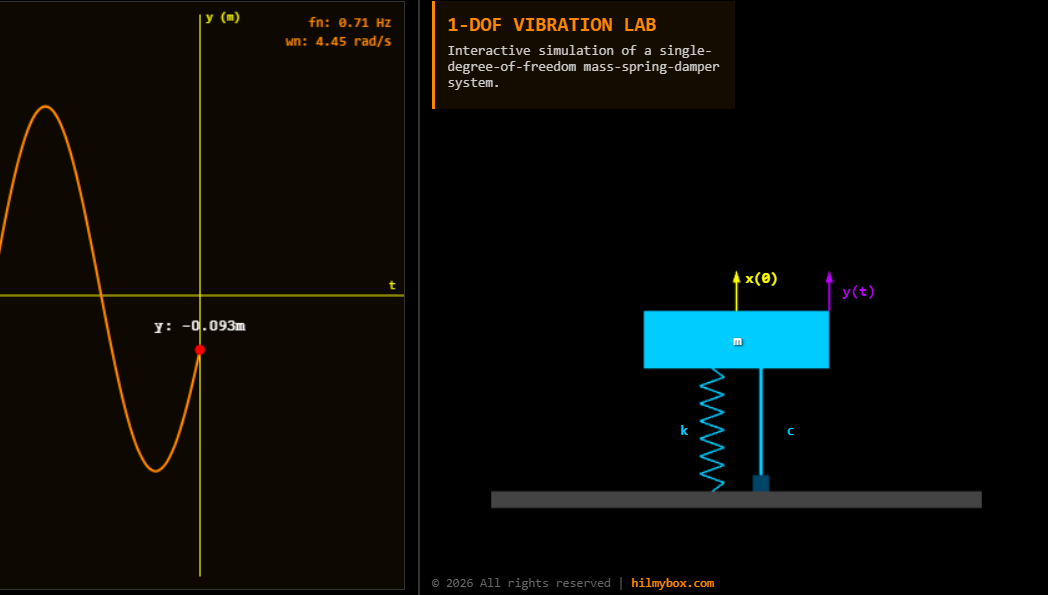
Bridging the gap between theoretical physics and interactive web development, this project showcases a high-fidelity, single-degree-of-freedom (SDOF) vibration simulator. By combining 3D visualization with real-time numerical integration, users can manipulate mass, stiffness, and damping parameters to instantly observe mechanical responses. This "Virtual Lab" serves as both a powerful educational tool for mechanical engineers and a robust example of how to handle physics-based animations in a browser environment.
Click here to access.
(1) The Core Engine
The simulation’s "heartbeat" is managed by a custom JavaScript animation loop using requestAnimationFrame. Unlike standard animations, this engine calculates physics at every frame (approximately 60Hz). It utilizes Euler integration to derive the mass's acceleration (a), update its velocity (v), and finally its displacement (x). The engine also features a Mutation Observer security layer, ensuring the integrity of the application's licensing and attribution in real-time.
(2) Rendering Technology
The project employs a dual-rendering approach to provide a comprehensive view of the system:
- 3D Visualization: Powered by Three.js (WebGL), using an
OrthographicCamerato create a technical, schematic-like view of the physical components (mass, spring, and dashpot). - 2D Real-Time Graphing: A standard HTML5 Canvas API is used for the waveform monitor. It efficiently handles a rolling buffer of 300 data points to render smooth, anti-aliased displacement curves without the overhead of a heavy graphing library.
(3) Mathematical Tools
The system is built upon fundamental mechanical engineering equations:
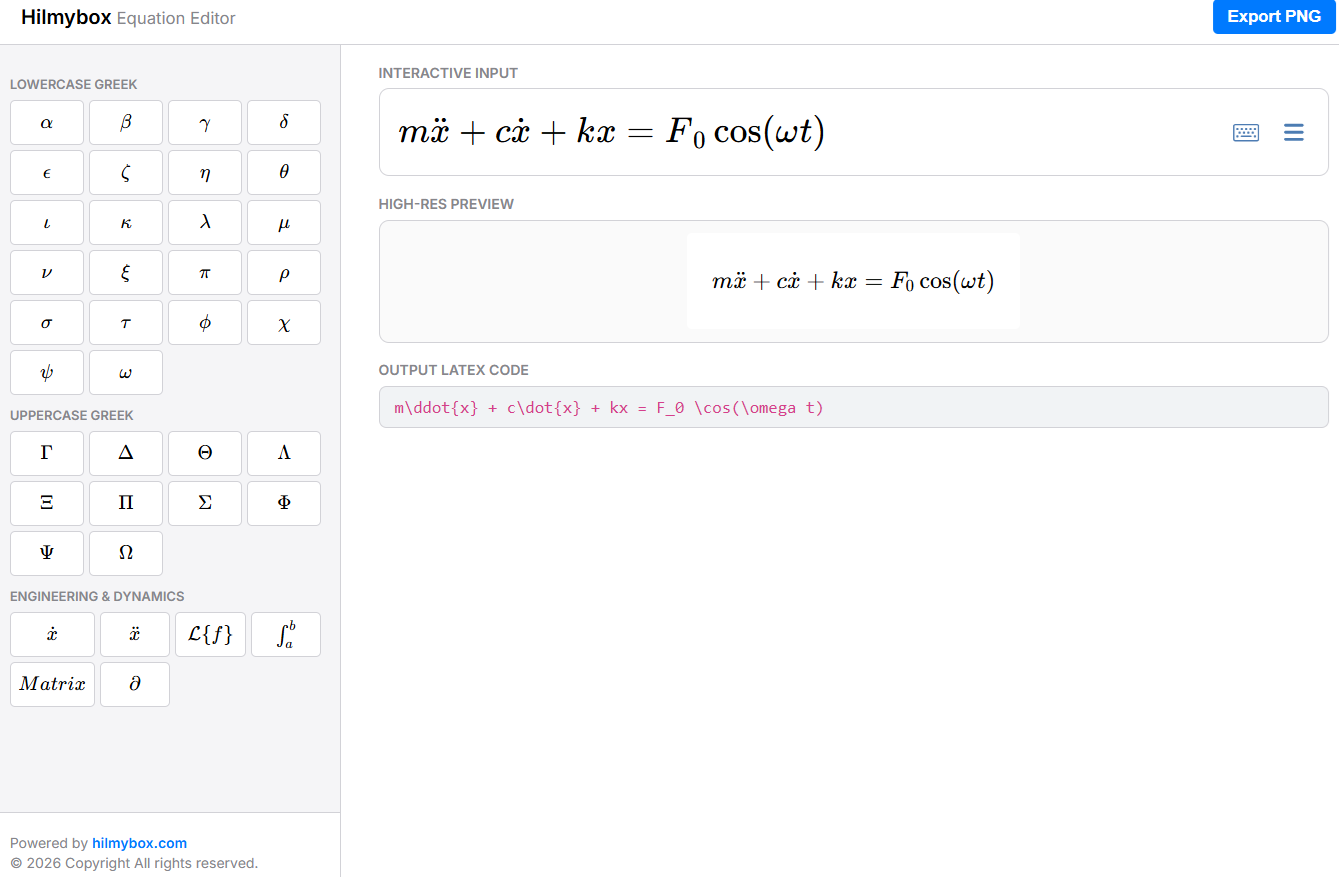
- Equations of Motion: The simulation solves the differential equation in real-time.
- Frequency Analysis: It dynamically calculates the undamped natural frequency in both circular frequency and cyclic frequency .
- Coordinate Projection: To keep UI labels attached to moving 3D objects, the code uses Vector3 projection, mapping 3D world coordinates onto the 2D screen space.
(4) Front-End Environment
The user interface is designed for high-performance interaction and responsiveness:
- Control Panel: Integrated via lil-gui, providing a lightweight and mobile-friendly interface for adjusting system parameters.
- Responsive Layout: A sophisticated CSS Grid architecture with custom
@mediaqueries ensures the lab remains functional across desktops, tablets, and smartphones. - Theme & UX: A "Dark Mode" aesthetic using custom CSS variables (
--accent,--panel) reduces eye strain and provides a high-contrast environment suitable for detailed data observation.